
If you use any Microsoft services (Office, Outlook, etc.) you have a Microsoft account. You manage your Microsoft account from the Microsoft account dashboard.
Sign in to your Microsoft account on the web
1. Go to account.microsoft.com and select Sign in.
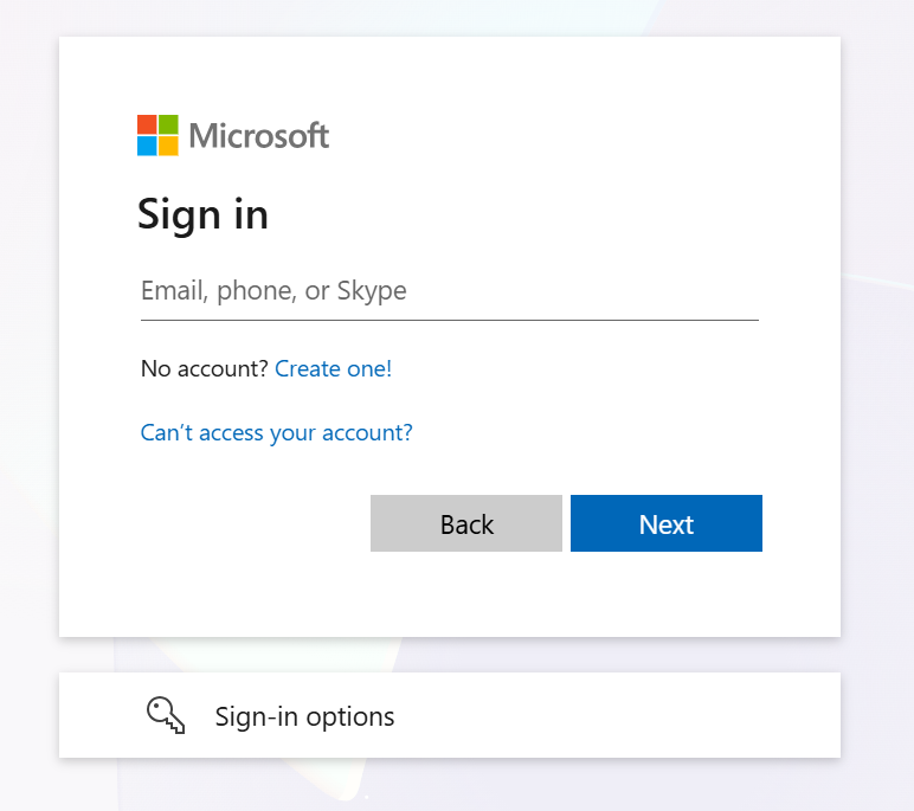
2. Type the email, phone number, or Skype sign-in that you use for other services (Outlook, Office, etc.), then select Next.
3. Type your password and select Keep me signed in box if you want to go straight to your account next time (not recommended for shared computers).
4. Select Sign in.
5. Complete two-factor authentication if prompted. Follow the on-screen instructions to verify your identity using your configured method, such as an authenticator app, text message, or phone call. You may need to approve a notification or enter a verification code. Once verified, you will continue signing in.
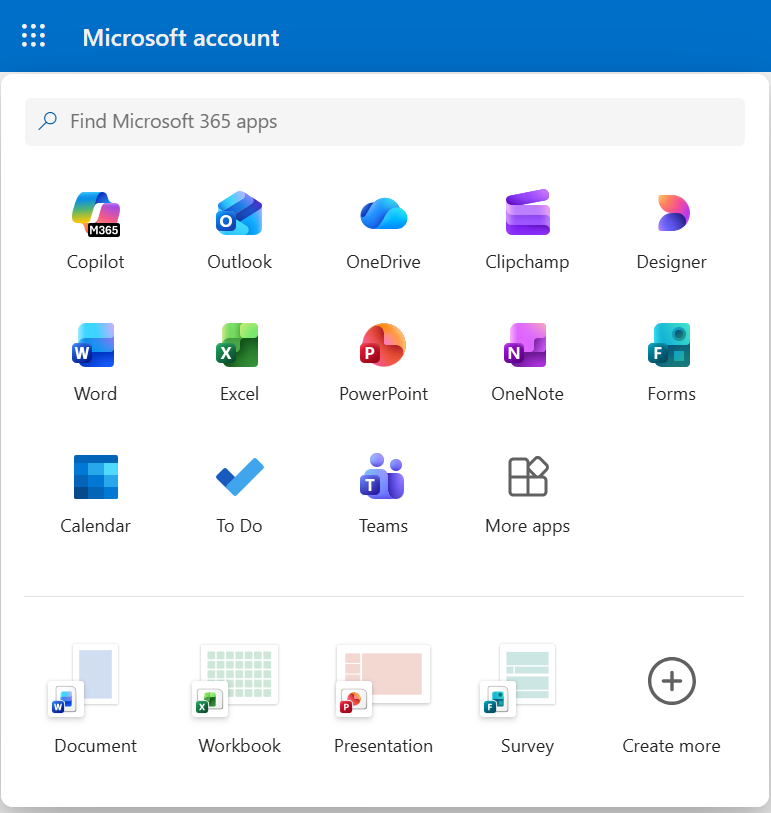
6. Select the App Launcher in the top left corner of the screen, and then select any Microsoft 365 or Office app to start using it.
What is a Microsoft account?
When you sign in to your Microsoft account, you have an all-access pass to Microsoft’s premier services. If you use any of these services, you should already have a Microsoft account: Outlook.com, Office, Skype, OneDrive, Xbox Live, Bing, Microsoft Store, Windows, or MSN.
Your Microsoft account lets you manage everything all in one place.
Everything stays with you in the cloud and across devices, including iOS and Android.
If you are having trouble, we are happy to help! Put in a help ticket by emailing help@stsmich.com or call the office at (616) 394-1303.
